
Finding the ideal spot for your television can transform your living room from a simple space into a comfortable entertainment hub. The placement of your TV affects everything from viewing comfort to room aesthetics and even your neck health. Many homeowners struggle with this decision, placing their screens too high, too low, or in locations that create glare and awkward seating arrangements.
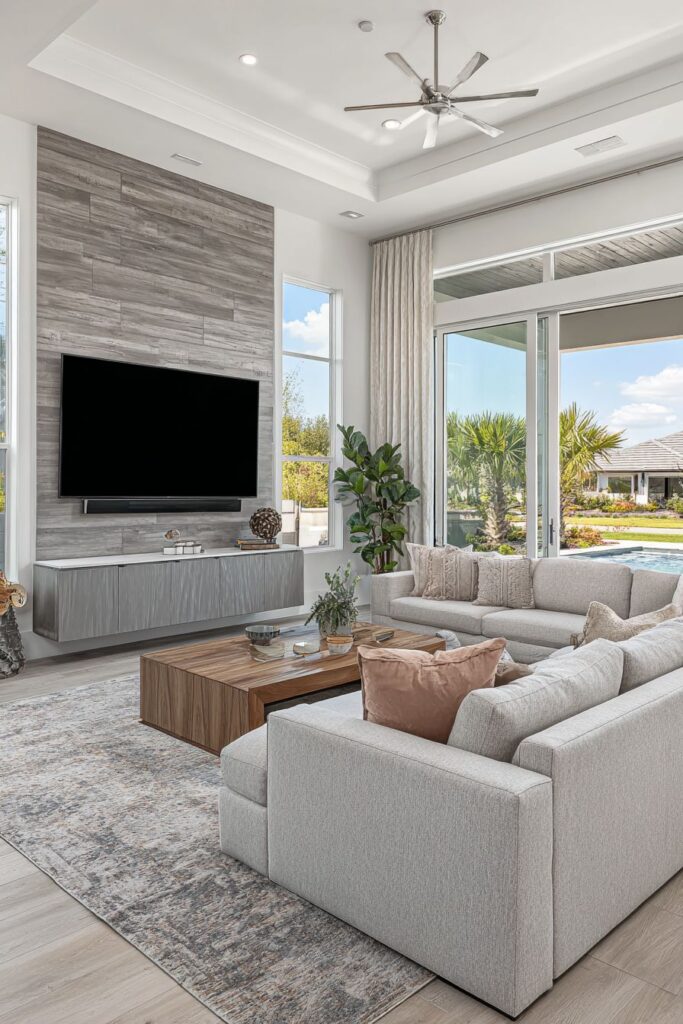
Proper TV positioning involves more than just mounting it on the nearest wall. It requires understanding viewing angles, room lighting, furniture arrangement, and the relationship between screen size and viewing distance. Whether you’re setting up a cozy family room or designing a sophisticated entertainment space, the principles of good TV placement remain consistent. Getting this right the first time saves money, prevents wall damage, and ensures years of comfortable viewing.
This comprehensive guide explores ten essential strategies for positioning your living room TV perfectly. From calculating optimal viewing heights to managing cable clutter, each section provides actionable insights that blend technical precision with design sensibility. You’ll discover how to balance functionality with aesthetics while creating a space that works beautifully for movie nights, gaming sessions, and everyday viewing.
1. Calculate the Ideal Viewing Distance
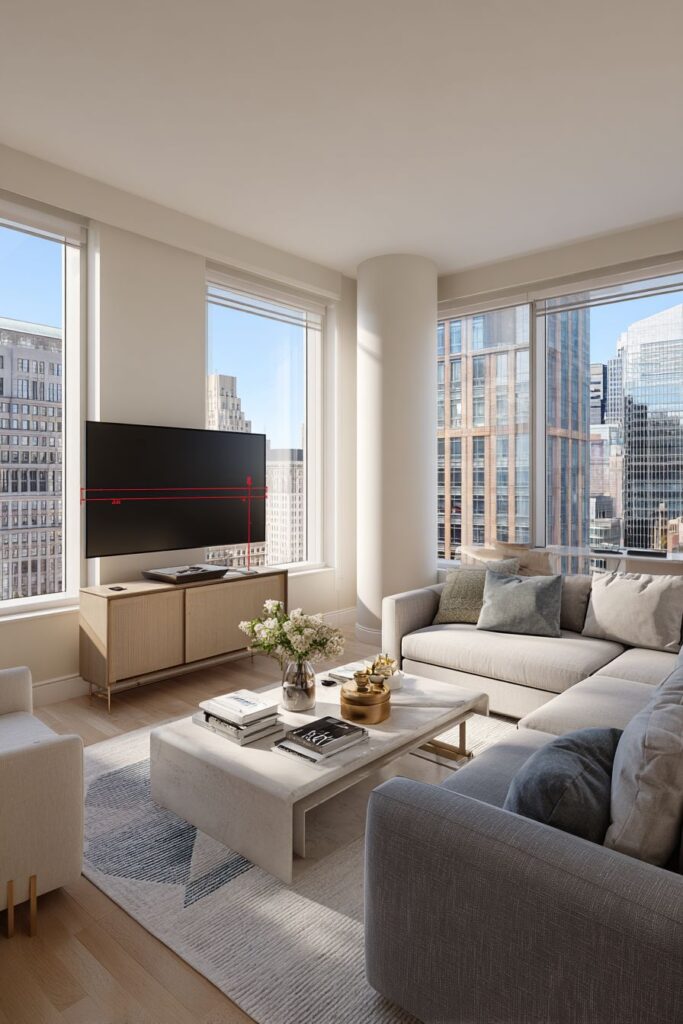
The relationship between screen size and seating distance determines viewing comfort more than any other factor. Sitting too close causes eye strain and reveals individual pixels, while sitting too far diminishes the immersive experience you invested in. The general rule suggests multiplying your TV’s diagonal measurement by 1.5 to 2.5 for the minimum comfortable viewing distance.
For optimal results with modern 4K televisions, you can sit closer than with older HD models because of higher pixel density. A 55-inch TV works best at 6.5 to 9 feet away, while a 65-inch screen needs 8 to 10 feet of distance. These measurements ensure you can see fine details without eye fatigue during extended viewing sessions.
Consider your room’s actual dimensions before purchasing a TV. If your seating area is only 7 feet from the wall, a massive 75-inch screen will overwhelm the space. Measure your room carefully and choose a screen size that fits these scientific viewing distance guidelines rather than simply buying the biggest TV possible.
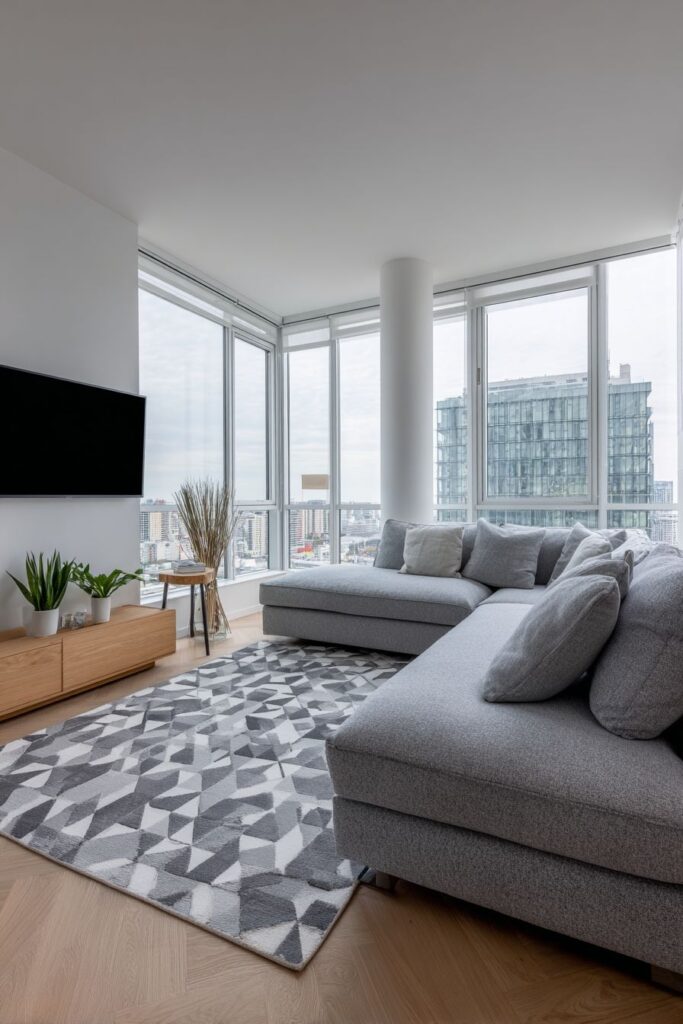
- Measure from your primary seating position to the intended TV location before shopping
- Use the 1.5x to 2.5x screen diagonal formula for comfortable viewing distances
- Account for 4K resolution allowing closer seating than traditional HD screens
- Consider multiple seating positions if you have a large sectional or multiple couches
- Test the viewing experience before permanently mounting your TV
- Remember that bigger isn’t always better when space is limited
2. Mount at Eye Level When Seated
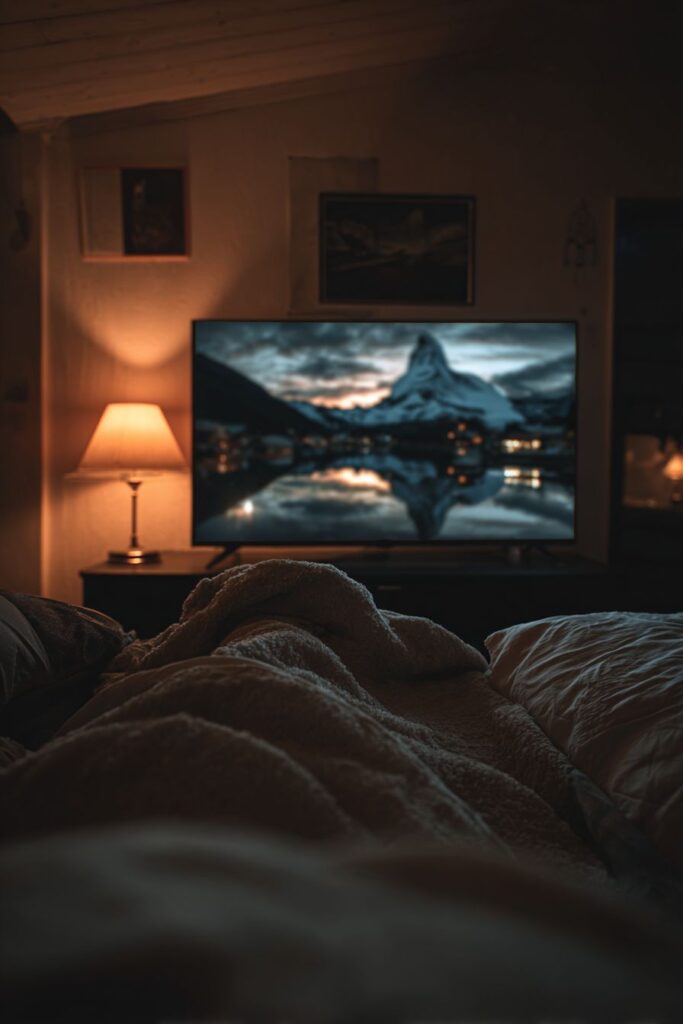
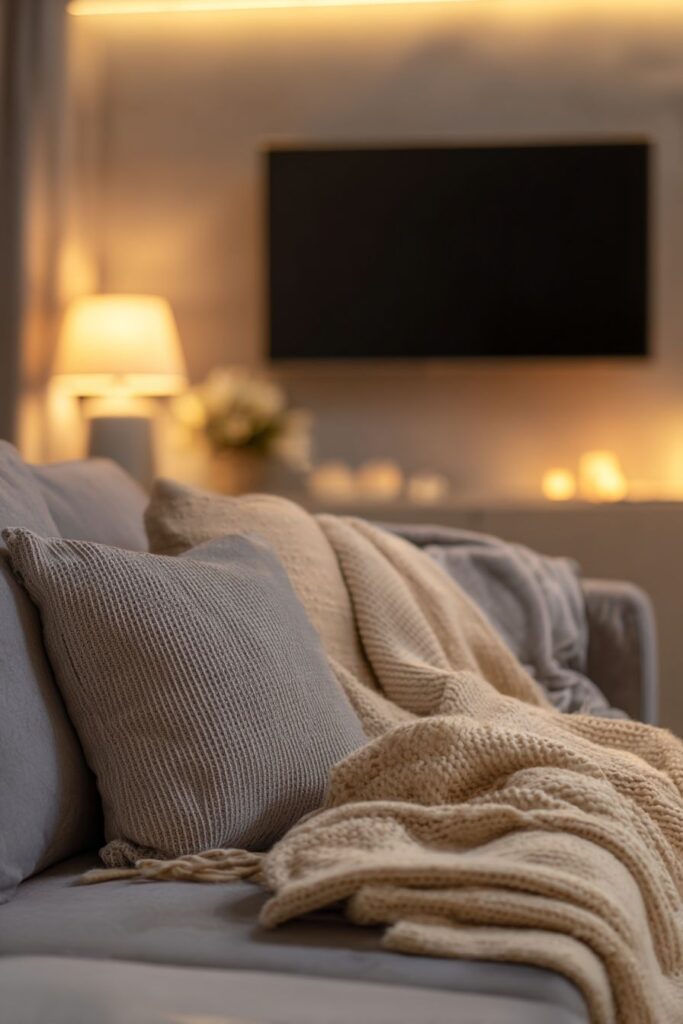
The center of your screen should align with your eye level when you’re sitting in your usual viewing position. This ergonomic principle prevents neck strain and creates the most natural viewing angle. For most people, this places the TV center approximately 42 inches from the floor, though your height and furniture affect this measurement.
Many homeowners make the critical mistake of mounting TVs too high, especially above fireplaces. This forces viewers to tilt their heads upward for extended periods, causing discomfort and fatigue. Your eyes should look straight ahead or slightly downward at the screen, never significantly upward.
Measure from the floor to your eye level while seated on your actual couch or chair. Mark this height on the wall, then position your TV mount so the screen’s center hits that mark. This simple technique ensures comfortable viewing regardless of your room’s unique characteristics or your body proportions.
- Sit in your primary viewing spot and have someone measure your seated eye level
- Mark the wall at this height to indicate the TV’s center point
- Avoid the temptation to mount above fireplaces or tall furniture
- Use a tilting mount if you must install higher to angle the screen downward slightly
- Consider adjustable mounts that allow height modifications after installation
- Remember that comfortable viewing trumps aesthetic trends every time
3. Minimize Glare and Light Interference
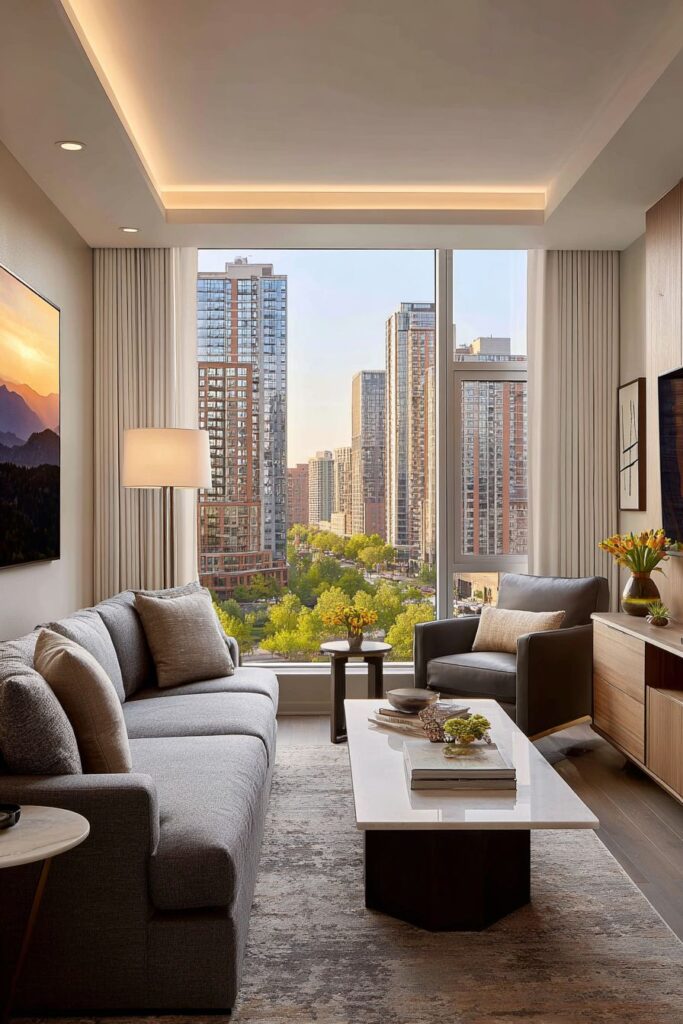
Window placement relative to your TV significantly impacts daytime viewing quality. Direct sunlight creates glare that washes out your screen, making it difficult to see details even with brightness turned to maximum. Position your TV perpendicular to windows rather than directly across from them to reduce this problem.
If your room layout forces you to place the TV opposite windows, invest in quality window treatments like blackout curtains or cellular shades. These solutions give you control over natural light without permanently darkening your space. Light-filtering options work for moderate glare while maintaining the room’s brightness during non-viewing hours.
Overhead lighting also creates screen reflections that diminish picture quality. Install dimmer switches for ceiling lights and add bias lighting behind your TV to reduce eye strain in dark rooms. This backlight creates ambient illumination that eases the contrast between the bright screen and dark surroundings.
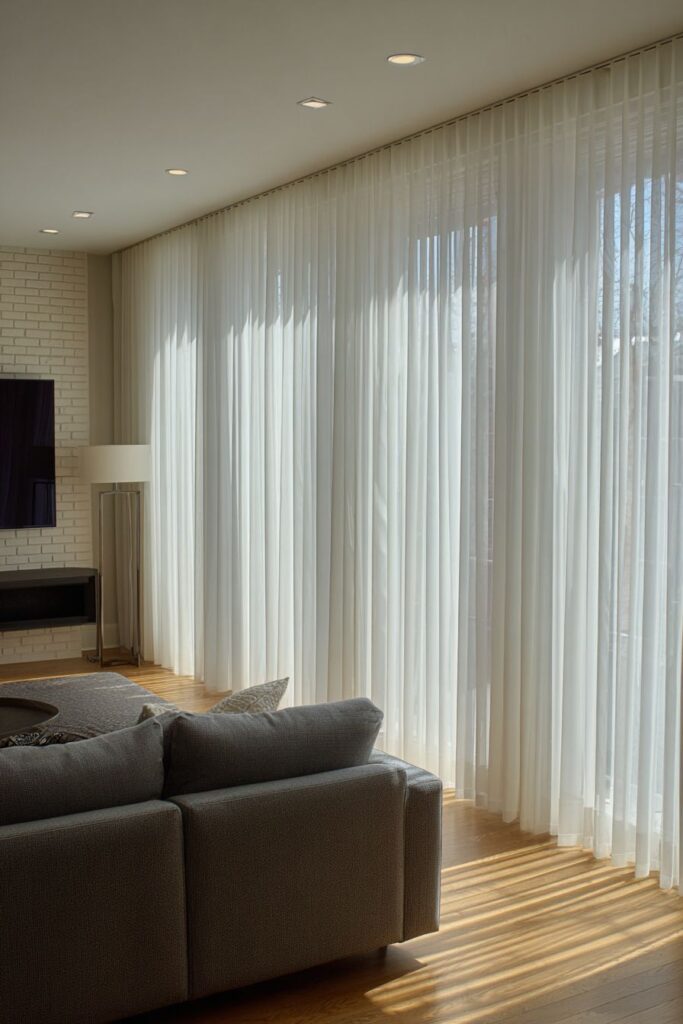
- Evaluate window positions during different times of day before finalizing TV placement
- Use adjustable curtains or blinds to control natural light during viewing
- Position the TV perpendicular to windows when possible to minimize direct sunlight
- Add bias lighting behind the TV to reduce eye strain in dark viewing environments
- Install dimmer switches to control overhead and ambient lighting levels
- Consider anti-glare screen protectors for unavoidable challenging light situations
4. Center the TV with Your Seating
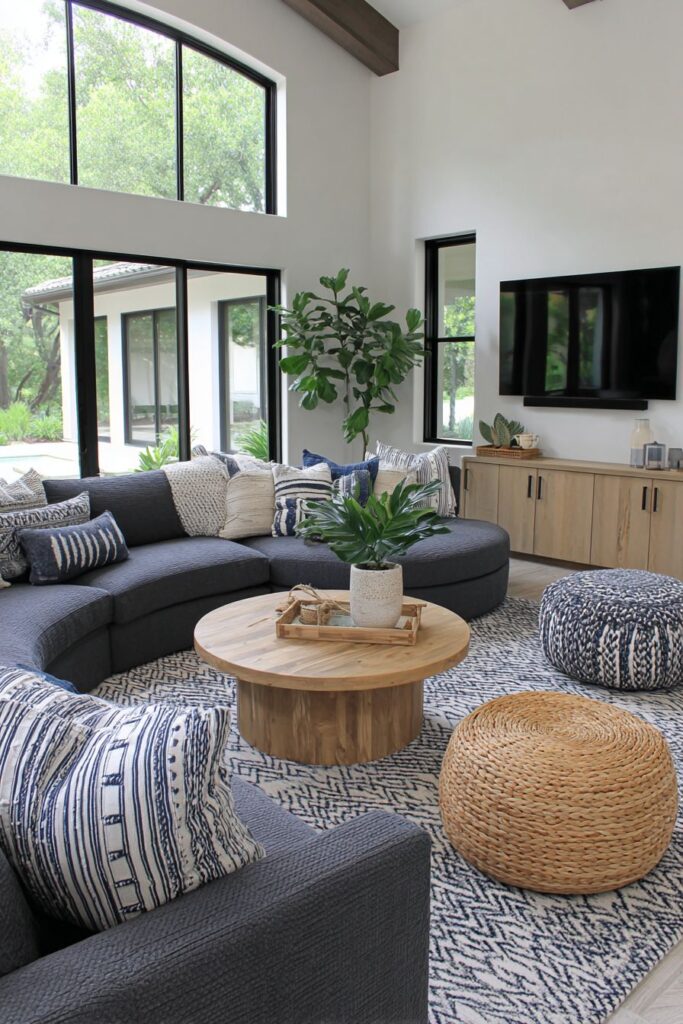
Visual balance requires centering your television with your primary seating area rather than centering it on the wall. This distinction matters in rooms where furniture placement doesn’t align with architectural features. Your TV should face the spot where you’ll actually sit, not the room’s geometric center.
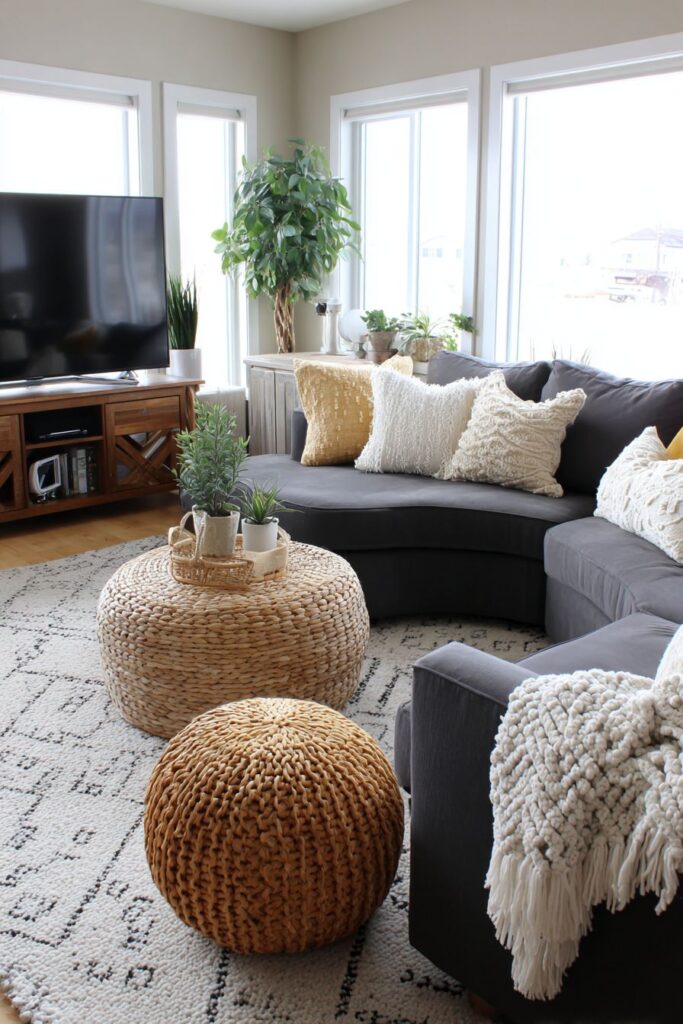
In rooms with sectional sofas or multiple seating areas, identify which seat gets used most frequently for TV watching. Center the screen on that position to optimize the viewing experience for your most common use case. Secondary seats may have slightly angled views, but the primary position should be perfectly aligned.
Consider the entire furniture arrangement when positioning your TV. If your couch sits at an angle or your room has an unconventional layout, traditional centering rules don’t apply. Walk through your space, sit in different locations, and identify the spot that provides the best sightlines from your actual seating positions.
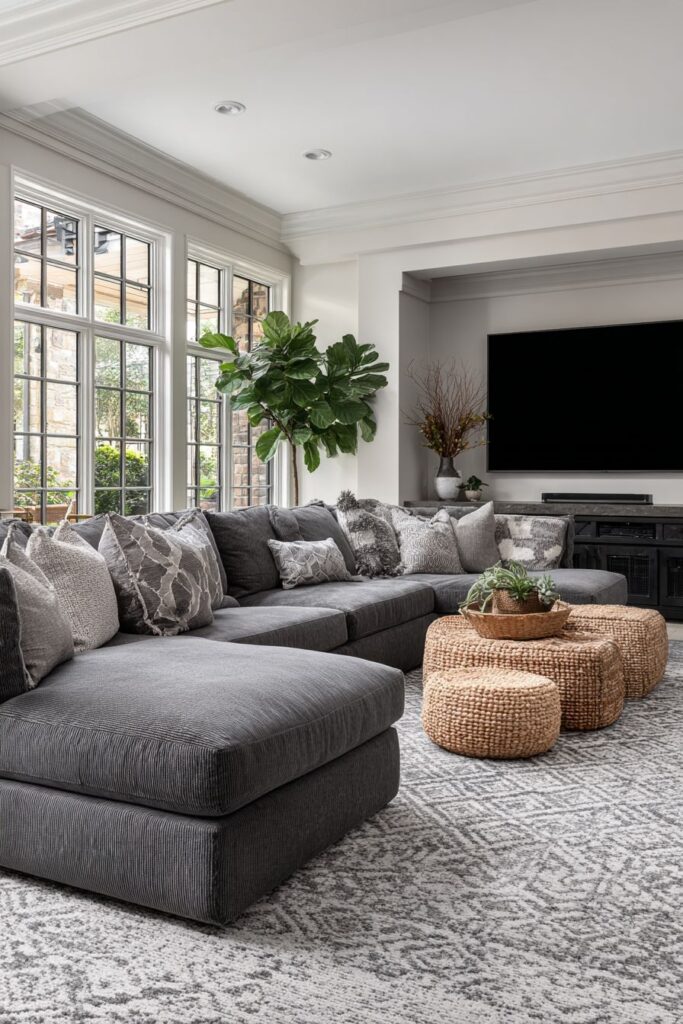
- Stand at your TV location and look toward seating to verify alignment
- Prioritize the most frequently used seat for optimal TV positioning
- Don’t feel obligated to center on walls if furniture placement suggests otherwise
- Use painter’s tape to mark potential TV positions before drilling holes
- Consider traffic flow patterns that might obstruct views from certain angles
- Adjust furniture placement if necessary to create better TV viewing angles
5. Choose the Right Wall and Surface
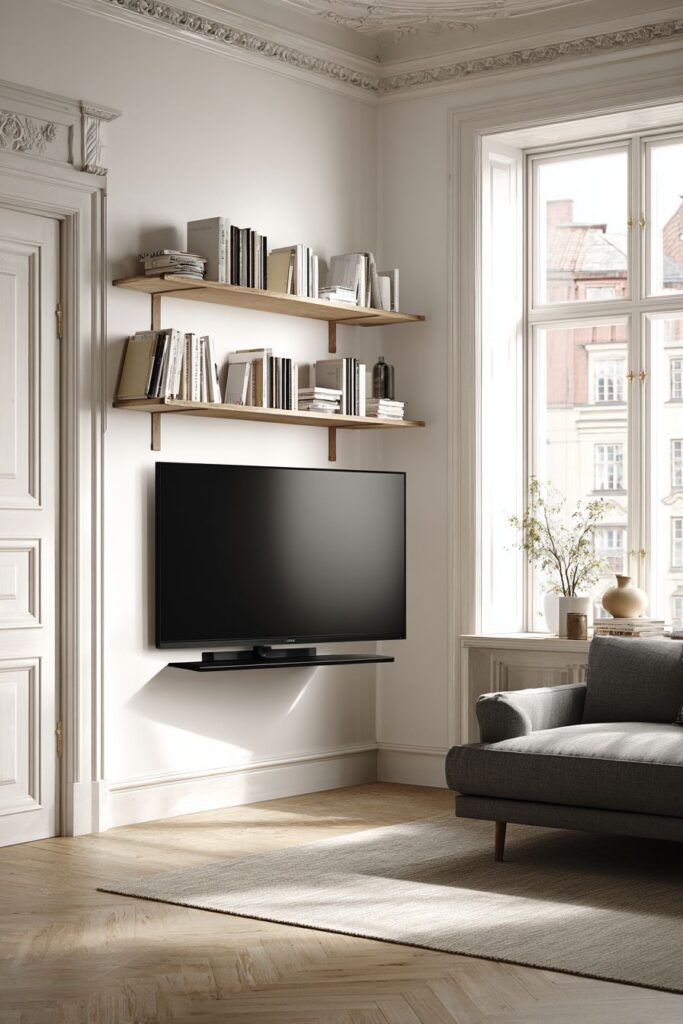
Not all walls provide equal mounting stability or viewing quality. Load-bearing walls offer the strongest foundation for mounting hardware, while drywall-only areas require special anchors or backing boards. Locate wall studs before purchasing mounting equipment to ensure your TV stays securely attached.
Corner placement can work beautifully in rooms with challenging layouts, but requires specialized articulating mounts that allow swiveling. This flexibility lets you angle the screen toward different seating areas while maximizing floor space. However, corners limit furniture arrangement options and may create awkward viewing angles from certain positions.
Avoid mounting on exterior walls in climates with temperature extremes. These walls experience more temperature fluctuation than interior walls, which can affect electronics over time. Interior walls also typically contain more studs and offer better mounting options with easier access to cable routing behind the wall.
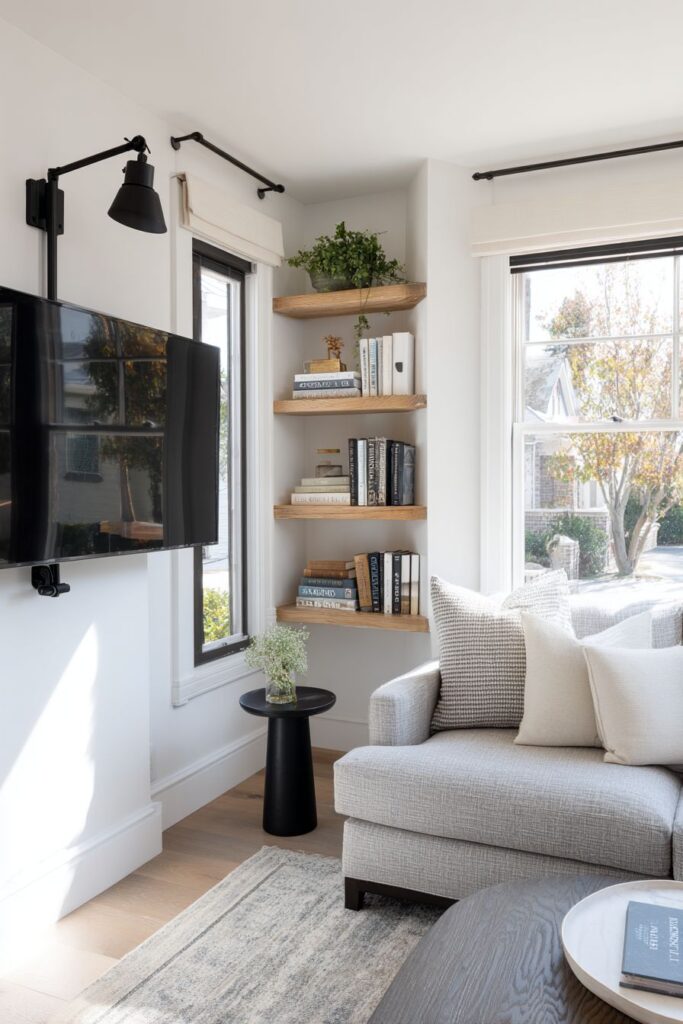
- Use a stud finder to locate secure mounting points before purchasing hardware
- Verify that your wall can support your TV’s weight plus mounting equipment
- Consider hiring professionals for mounting large or expensive televisions
- Evaluate corner placement only if articulating mounts fit your budget and needs
- Choose interior walls over exterior walls when possible for temperature stability
- Plan cable routing options before finalizing the wall selection
6. Maintain Proper Ventilation Clearance
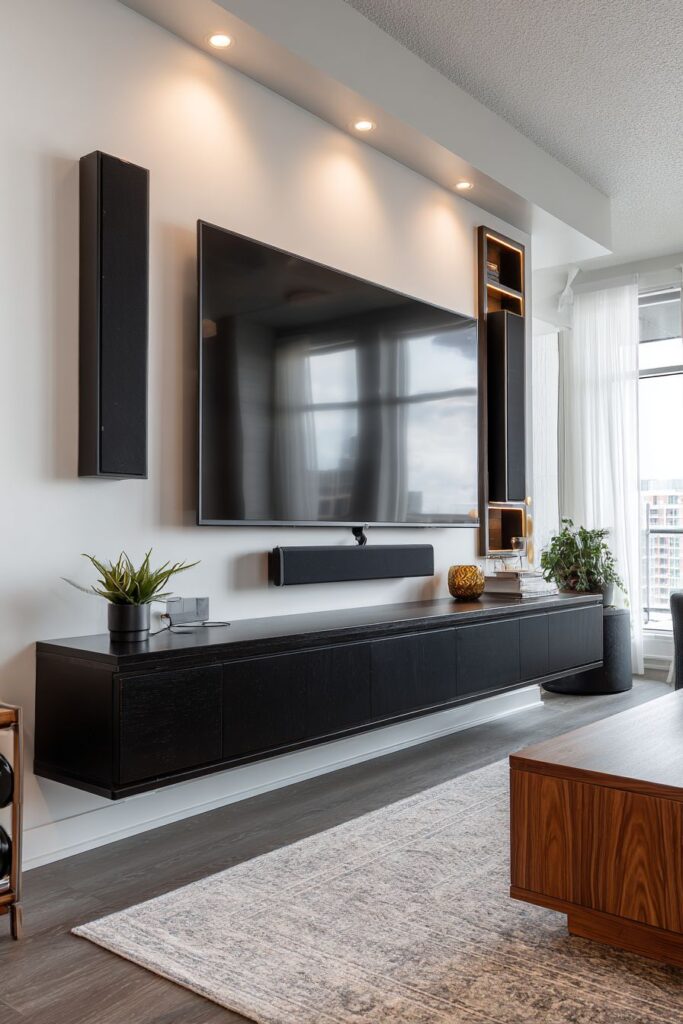
Modern televisions generate significant heat during operation and require adequate airflow for cooling. Mounting your TV too close to the ceiling or placing it inside enclosed furniture creates ventilation problems that shorten your device’s lifespan. Manufacturer specifications typically require 2-4 inches of clearance on all sides.
Entertainment centers and TV cabinets often look attractive but may restrict airflow dangerously. If you prefer concealed TV storage, ensure your furniture has ventilation holes or leave doors open during use. Heat buildup causes premature component failure and voids warranties when proper clearances aren’t maintained.
Check your TV’s user manual for specific ventilation requirements, as different models vary. Larger screens and older plasma TVs need more breathing room than smaller LED models. Factor these clearances into your mounting height calculations and furniture selection to protect your investment.
- Read manufacturer specifications for required clearance on all sides
- Avoid mounting directly against the ceiling or flush with tall furniture
- Ensure entertainment centers have adequate ventilation holes or open backs
- Leave cabinet doors open during extended viewing sessions if airflow is restricted
- Monitor the TV back panel temperature occasionally to verify adequate cooling
- Consider ventilated mounting brackets that enhance airflow behind the screen
7. Plan for Cable Management
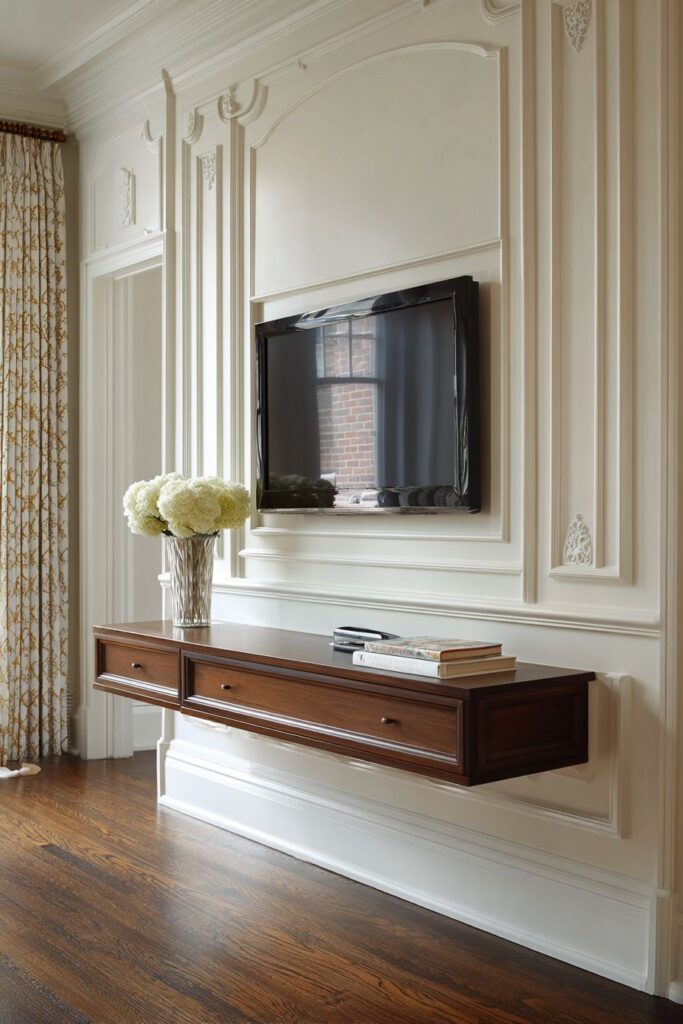
Visible cables dangling down walls destroy the clean aesthetic you’re trying to create with careful TV positioning. Plan your cable routing strategy before mounting to avoid this common problem. Options include in-wall cable management systems, external cable raceways, or furniture positioning that naturally conceals wires.
For the cleanest look, run cables through the wall using proper cable management kits that comply with building codes. These kits provide safe pathways for power and HDMI cables while protecting your walls. This approach requires cutting two holes—one behind the TV and another near your power outlet—but delivers professional results.
If in-wall routing isn’t feasible, cable raceways mount on wall surfaces and hide wires inside decorative channels. These paintable covers blend with your wall color while keeping cables organized. Position your TV near existing outlets when possible to minimize visible cable runs and simplify installation.
- Invest in proper cable management before mounting your TV permanently
- Use code-compliant in-wall kits if running cables through walls
- Position TV near existing outlets to minimize visible cable length
- Consider power outlet installation behind the TV for the cleanest look
- Use cable raceways or decorative covers for surface-mounted wire management
- Label all cables before hiding them to simplify future troubleshooting
8. Consider Furniture Height Relationships
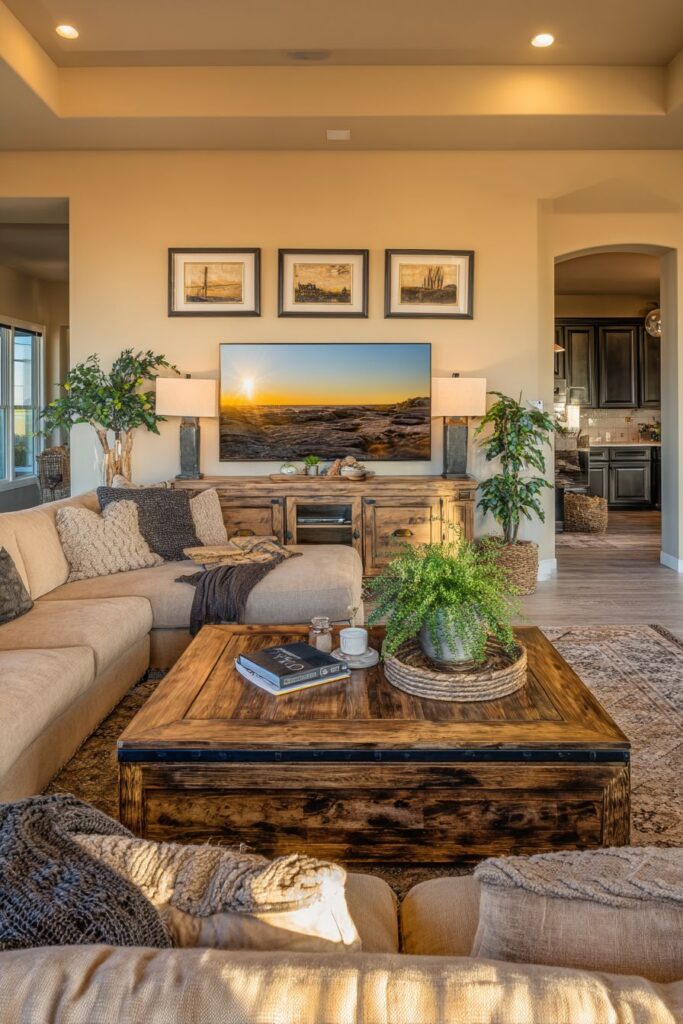
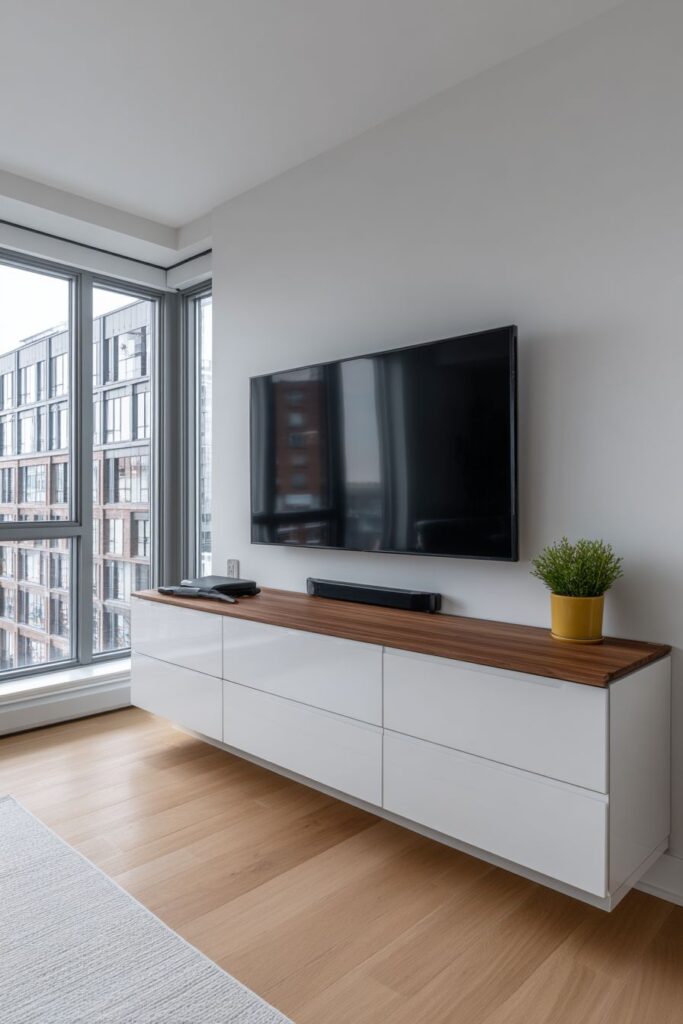
The visual weight of furniture surrounding your TV affects perceived room balance. A small TV mounted high above a low console creates awkward proportions, while a large screen hovering just above tall furniture appears unstable. Aim for 4-8 inches of space between your console top and the TV’s bottom edge.
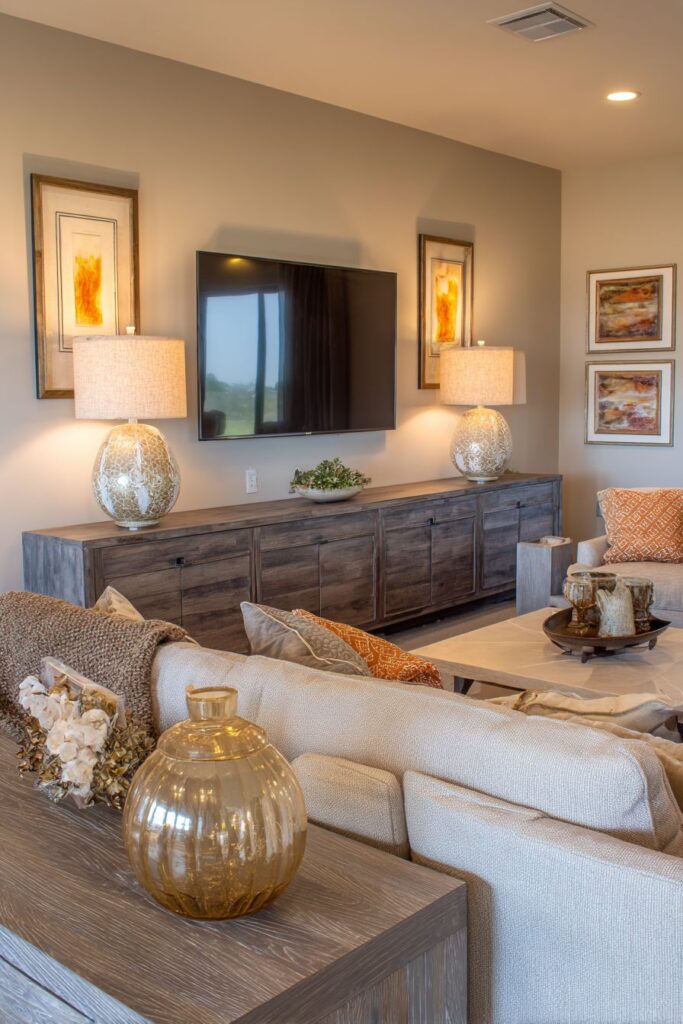
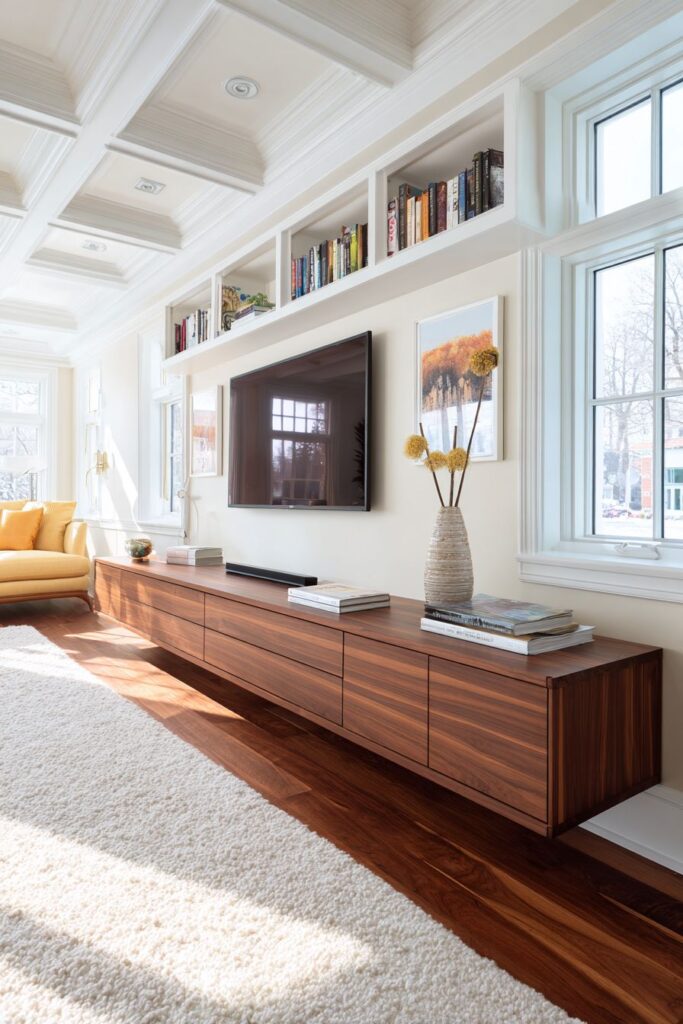
Media consoles should complement your TV size rather than compete with it. The console width should equal or exceed your TV width to create visual grounding. This proportion principle makes the entire entertainment area feel intentional and balanced rather than haphazard or top-heavy.
Match the style and finish of your TV stand or console to your room’s overall design aesthetic. A sleek floating shelf works beautifully in modern spaces, while traditional rooms benefit from substantial wooden cabinets. The furniture piece grounds your TV visually while providing storage for components and decorative objects.
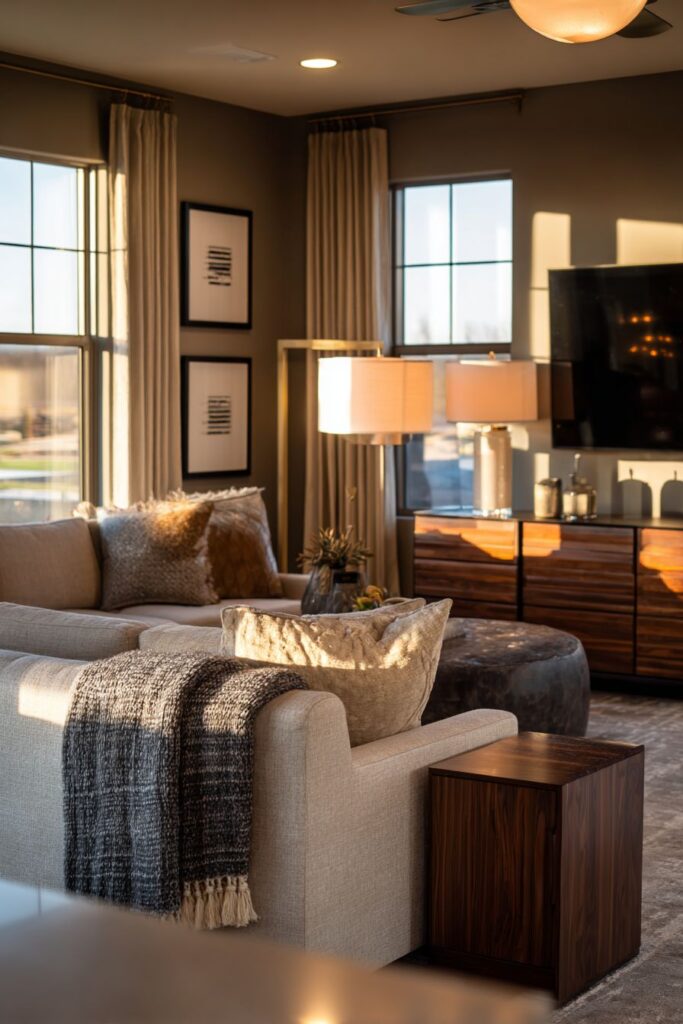
- Choose console furniture that equals or exceeds your TV’s width
- Maintain 4-8 inches of space between console top and TV bottom
- Select furniture height that supports optimal viewing angle calculations
- Ensure the visual weight of furniture balances with screen size
- Consider floating shelves for minimalist looks in contemporary spaces
- Use traditional consoles to add storage and visual grounding in classic rooms
9. Account for Sound System Placement
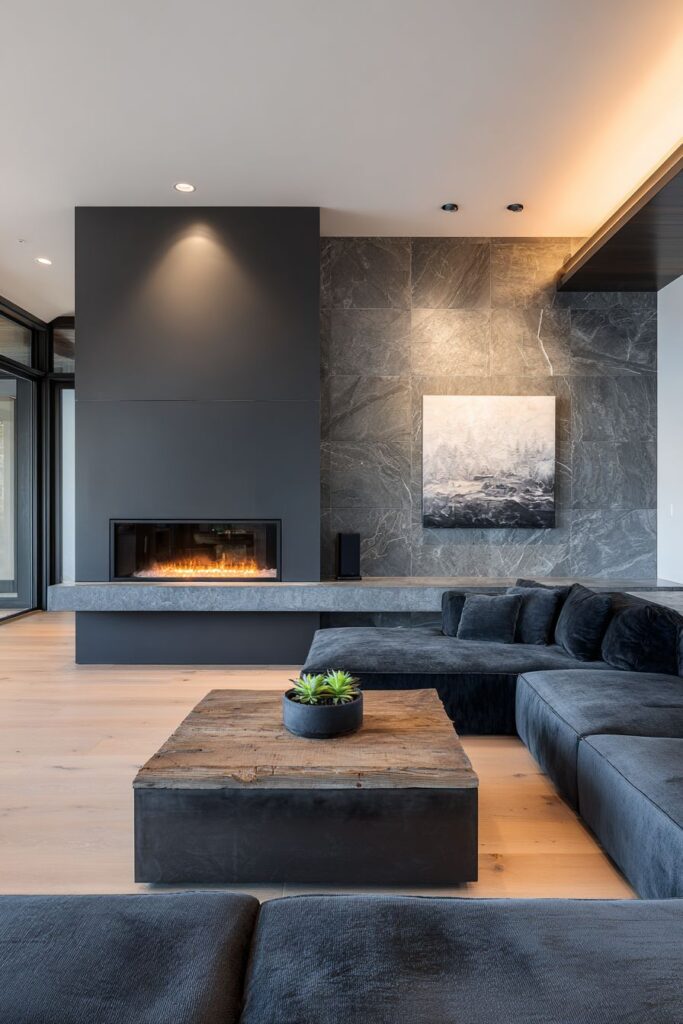
Audio equipment positioning significantly impacts your viewing experience but often gets overlooked during TV placement planning. Soundbars work best directly below the screen, while center channel speakers need clear sightlines to your seating area. Factor these requirements into your TV height and placement decisions from the start.
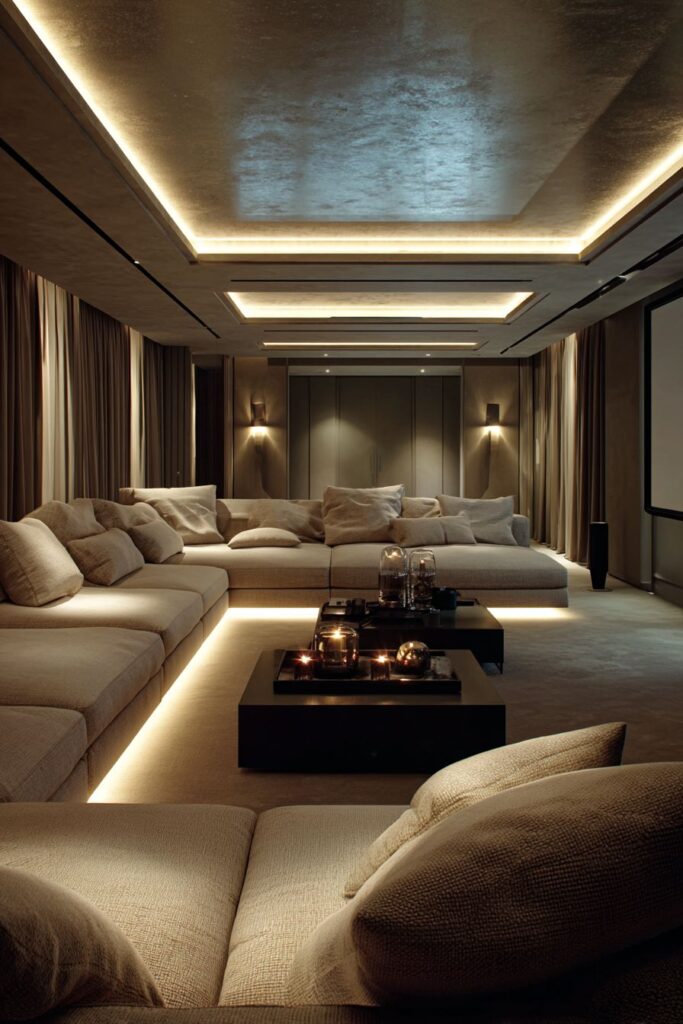
If you’re planning a surround sound system, map out speaker locations before finalizing TV position. Your TV placement affects where you can position rear and side speakers for optimal audio immersion. Some mounting solutions include integrated shelving or brackets specifically designed to accommodate soundbars without requiring additional hardware.
Wireless speakers offer placement flexibility but still need consideration during initial planning. Subwoofers perform best in corners or along walls, while satellite speakers require specific angles relative to your seating. Coordinate your entire entertainment system layout simultaneously rather than treating audio as an afterthought to TV positioning.
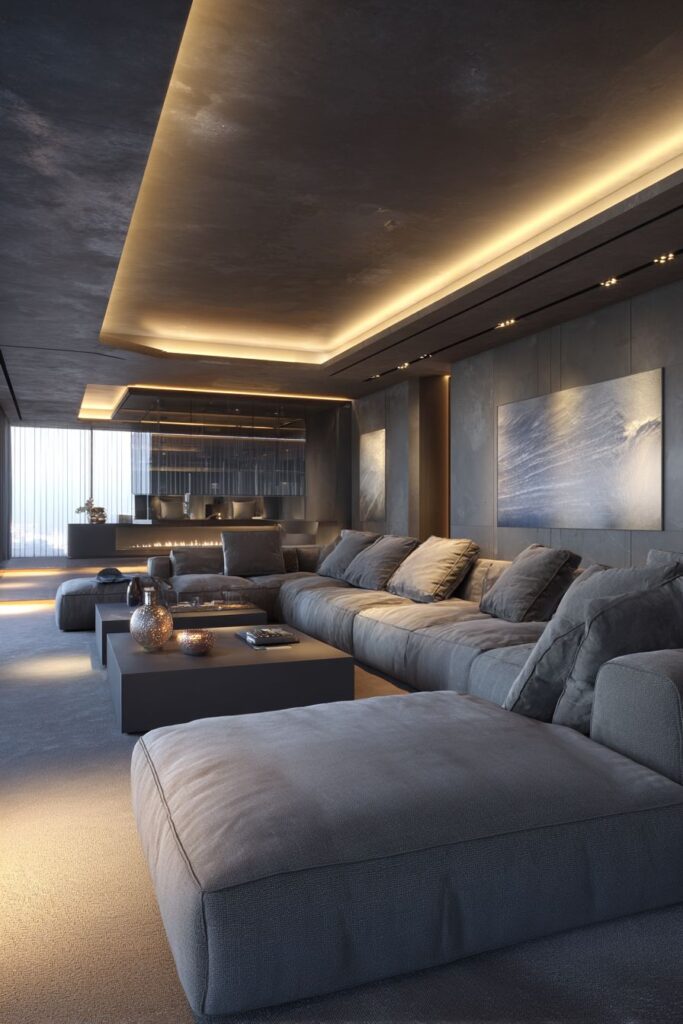
- Plan soundbar or center channel speaker placement simultaneously with TV positioning
- Ensure clear acoustic pathways between speakers and primary seating areas
- Consider mounts with integrated soundbar shelves for streamlined installation
- Map surround sound speaker positions before finalizing TV location
- Place subwoofers in corners or along walls for optimal bass response
- Test audio quality from your seating position before permanent installation
10. Create Flexibility for Future Changes
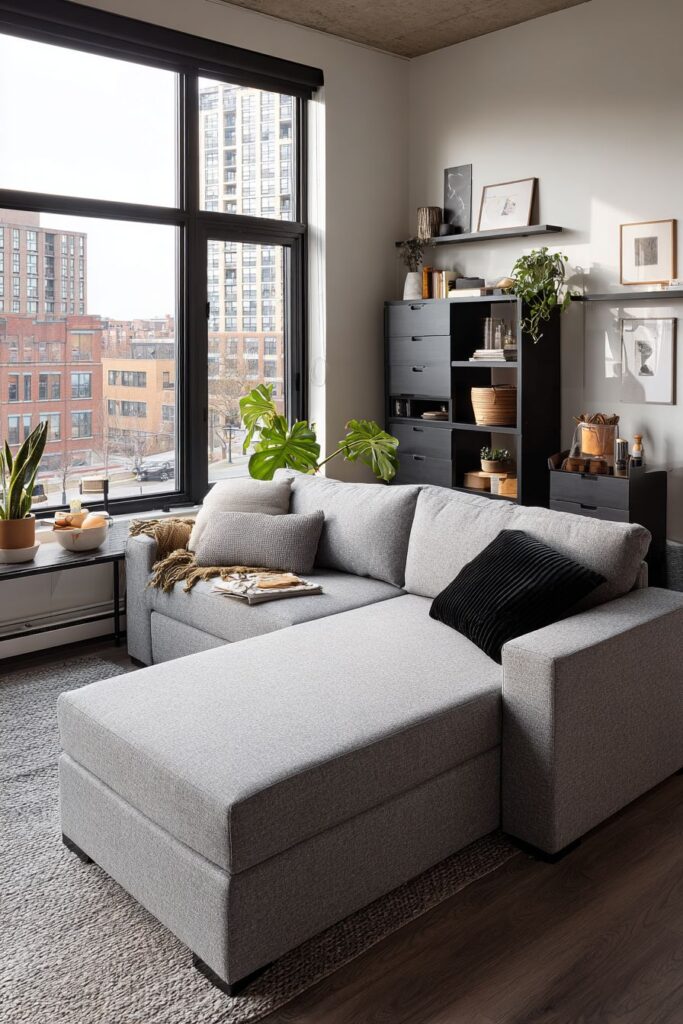
Adjustable mounting systems provide flexibility as your needs and preferences evolve over time. Full-motion mounts allow tilting, swiveling, and extending the TV from the wall, accommodating different viewing scenarios or furniture rearrangements. This adaptability justifies the higher initial cost for many homeowners.
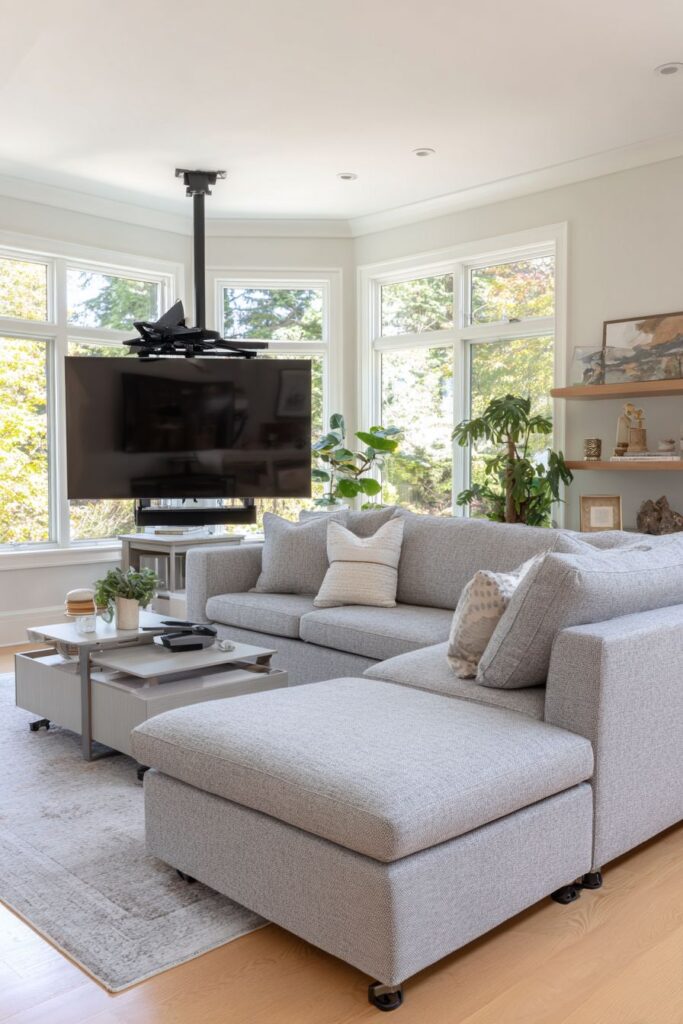
Consider how room function might change in the future when planning TV position. A living room that currently serves as an entertainment hub might become a playroom or home office later. Choosing a position that works for multiple purposes provides longer-term value than optimizing for today’s needs alone.
Avoid permanent modifications like extensive carpentry or custom built-ins unless you’re certain about long-term placement. Removable solutions like freestanding mounts, furniture-based positioning, and minimal wall penetration make future changes easier and less expensive. This approach protects your home’s resale value while maintaining flexibility for lifestyle changes.
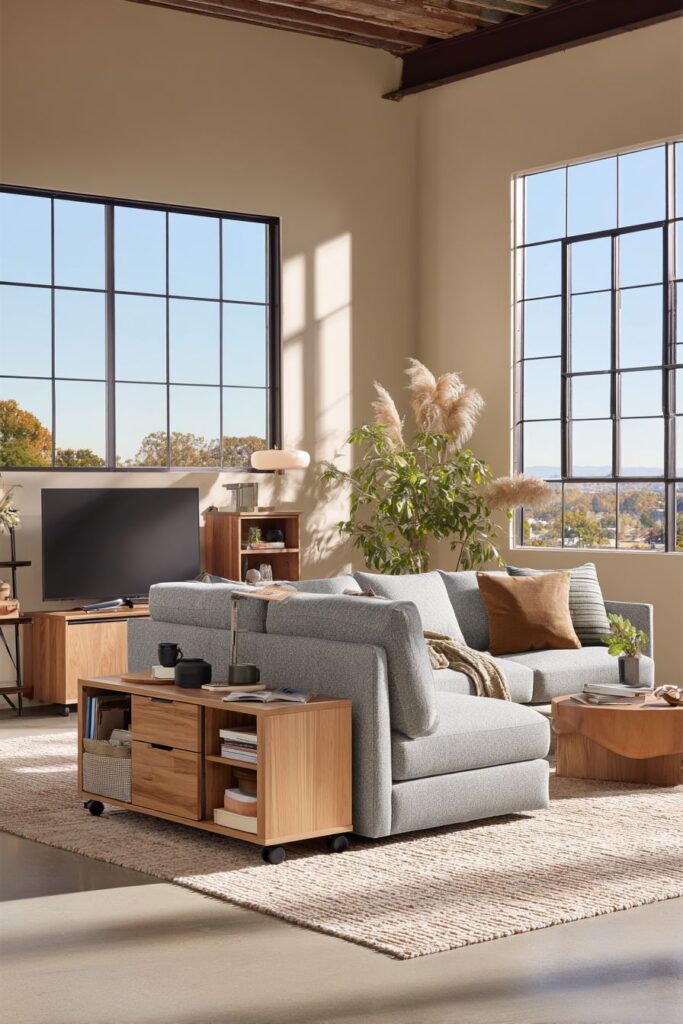
- Invest in full-motion mounts for maximum positioning flexibility
- Choose mounting solutions that minimize wall damage for easier future changes
- Consider how room usage might evolve before making permanent modifications
- Avoid extensive custom carpentry that locks TV position permanently
- Keep paint and wall patching supplies handy for adjusting mount positions
- Select furniture on casters or sliders for easy rearrangement options
Conclusion
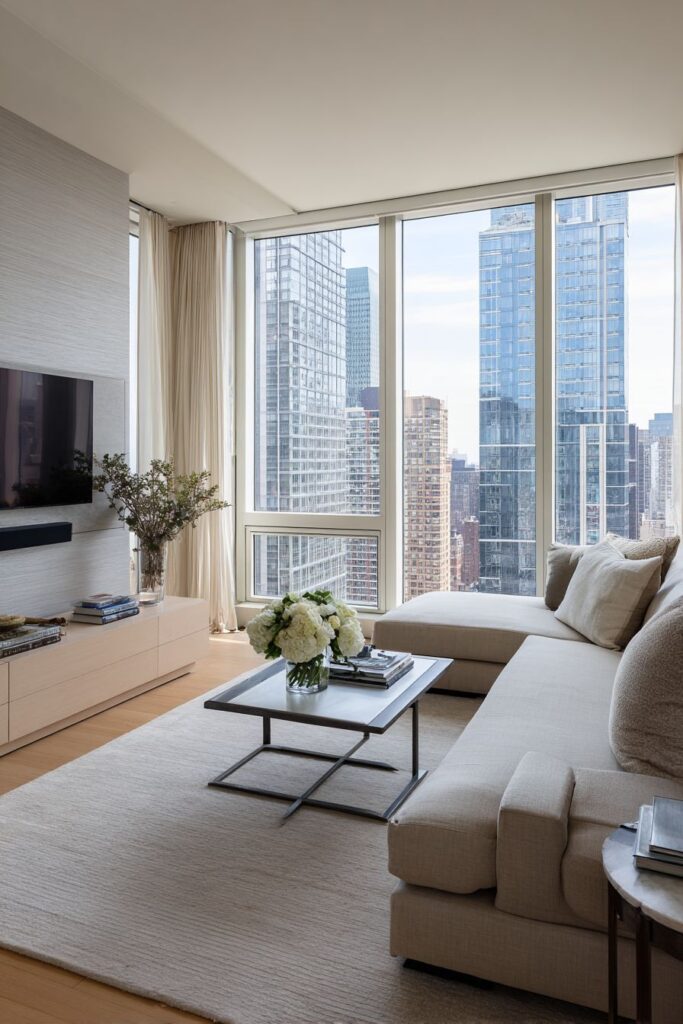
Positioning your living room TV perfectly requires balancing technical specifications with design sensibility and personal comfort. The ideal placement considers viewing distance, eye-level alignment, lighting conditions, and the relationship between your TV and surrounding furniture. Each room presents unique challenges, but the principles outlined here provide a reliable framework for making informed decisions. Remember that comfort trumps trends—the best TV position is ultimately the one that feels right for your specific viewing habits and room layout.
Start by measuring your space carefully and testing potential positions before making permanent installations. Don’t hesitate to adjust if your first attempt doesn’t feel quite right. Your living room should serve your lifestyle beautifully, creating an entertainment space that enhances rather than compromises your daily comfort and enjoyment.
"As an Amazon Associate, I earn from qualifying purchases."
